

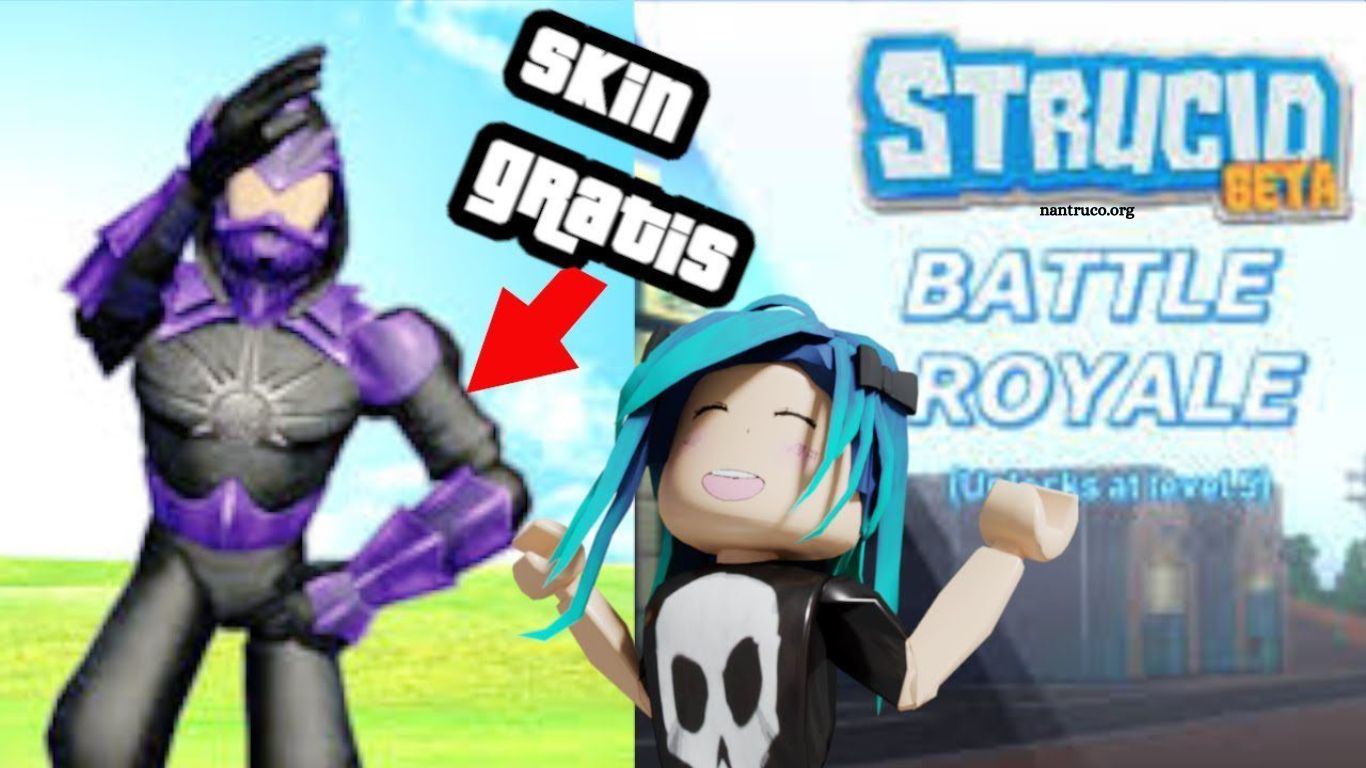
Roblox has emerged as one of the leading online gaming platforms, offering millions of players the opportunity to create, explore, and enjoy games crafted by fellow users. Among its most exciting features is avatar customization, which allows players to personalize their characters with unique skins and designs. Skins not only enhance the visual appeal of avatars but also provide a way for players to express their individuality and stand out in the Roblox community.
This comprehensive guide provides clear, step-by-step instructions on how to acquire and apply skins in Roblox, helping both new and experienced players elevate their in-game presence. By following these techniques, you can unlock exclusive designs and transform your avatar into a truly distinctive character.
Read More: The Legal Methods for Getting Robux in Roblox
Step 1: Create a Roblox Account
The first step to obtaining skins in Roblox is setting up your account. Visit the official Roblox website and click the “Register” button. Complete the registration form with your personal information and follow the prompts to create your account. Once registration is complete, log in to start exploring Roblox.
Step 2: Explore the Skin Catalog
After logging in, navigate to the “Catalog” tab at the top of the page. The catalog features a wide variety of skins, including both free and purchasable options, allowing you to browse and find designs that match your style.
Step 3: Purchase Skins with Robux
For exclusive or premium skins, use Robux, Roblox’s virtual currency. Click the “Buy” button next to the desired skin. If your Robux balance is insufficient, you can purchase more through the Roblox store. Follow the on-screen instructions to complete your transaction and add the skin to your collection.
Step 4: Acquire Free Skins
If you prefer not to spend Robux, Roblox also offers free skins. Some are available directly in the catalog, while others can be earned through events, promotions, or special updates. Regularly check Roblox announcements to seize these opportunities and expand your collection without spending money.
Step 5: Customize Your Avatar
Once you have your skins, it’s time to personalize your avatar. Go to the “Avatar” section on the homepage and select “Edit Avatar.” Here, you can view all your acquired skins and equip the ones you want. Save your changes, and your avatar will showcase your unique style in the game.
Frequently Asked Questiond
What are Roblox skins?
Roblox skins are visual designs or outfits that you can apply to your avatar, allowing you to customize its appearance and stand out in the game.
Are skins free in Roblox?
Some skins are available for free in the catalog or through special events and promotions. Others require Robux, Roblox’s virtual currency.
How do I get Robux?
Robux can be purchased directly from the Roblox website, earned through a Roblox Premium subscription, or received as part of special events and promotions.
Can I mix and match skins?
Yes! Roblox allows you to combine different skins, accessories, and outfits to create a unique avatar that reflects your personal style.
Are there limited edition skins?
Yes. Roblox frequently releases exclusive or limited-time skins during events, promotions, or collaborations, which may not be available permanently.
How do I equip my skins?
Go to the “Avatar” section on the Roblox homepage, select “Edit Avatar,” and choose the skins you want to wear. Save your changes to apply them.
Conclusion
Customizing your Roblox avatar with unique skins is one of the most enjoyable ways to express your personality and stand out in the game. Whether you choose to earn free skins through events and promotions or invest in premium designs using Robux, the process is simple and rewarding. By following the steps outlined in this guide—from creating an account to exploring the catalog and equipping your favorite skins—you can transform your avatar into a distinctive character that reflects your style.
