

Roblox offers an exciting way for players to unlock exclusive rewards through redeemable codes. These codes provide access to free items, in-game currency, and other valuable bonuses that enhance your gameplay experience. Whether you’re a seasoned player or just starting, knowing how to redeem codes efficiently ensures you never miss out on special offers and limited-time promotions.
Codes are released directly by Roblox developers, often in conjunction with events, collaborations, or seasonal campaigns, and they usually come with expiration dates. To maximize your rewards, it’s crucial to act quickly and follow the proper redemption steps. This guide provides a clear, step-by-step approach to redeeming Roblox codes so you can enjoy every benefit without delay.
Read More: How to Get Robux Fast in Roblox
Step 1: Log in to Your Roblox Account
Begin by logging into your Roblox account. Open the Roblox app or website and enter your credentials to ensure you have full access to your profile and in-game content.
Step 2: Navigate to the Code Redemption Page
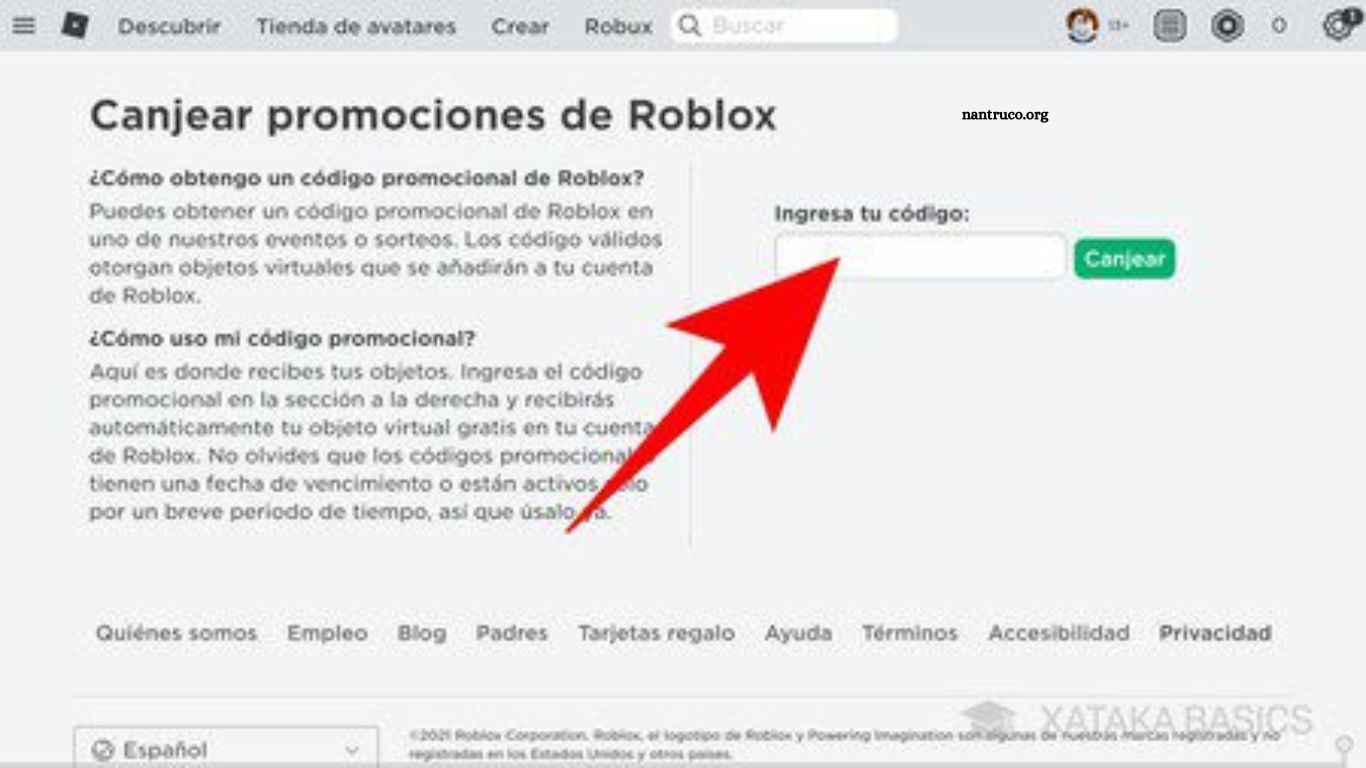
After logging in, visit the official Roblox website and locate the code redemption section. This feature is typically accessible from the homepage, or you may find it under the “Promotions” or “Events” tabs.
Step 3: Enter Your Code
On the redemption page, you’ll find a text field for entering your code. Type the code exactly as provided, keeping in mind that codes are case-sensitive and must match perfectly.
Step 4: Confirm the Redemption
Once the code is entered, click the confirmation or redeem button to process the code. This step ensures the system applies your reward to your account.
Step 5: Verify Your Reward
After redeeming the code, check your account to confirm receipt of the reward. You can review your inventory or monitor your in-game currency and bonuses to ensure everything has been credited successfully.
Frequently Asked Questions
Where can I find Roblox codes?
Roblox codes are released by the developers during special events, promotions, collaborations, or on official social media channels. Websites and community forums also share active codes, but always verify they’re legitimate.
Do Roblox codes expire?
Yes, most codes have an expiration date. Make sure to redeem them as soon as possible to avoid missing out on rewards.
Can I redeem a code more than once?
No, most Roblox codes are single-use per account. Once redeemed, the code cannot be used again on the same account.
What should I do if a code doesn’t work?
Double-check that the code is entered exactly as provided, including capitalization and special characters. If it still doesn’t work, the code may have expired or already been redeemed.
Are Roblox codes free?
Yes, official Roblox codes are completely free. Be cautious of websites claiming to sell codes, as these are often scams.
How do I know if my reward has been applied?
After redeeming a code, check your inventory, in-game currency, or bonuses section in your Roblox account to confirm the reward has been successfully added.
Conclusion
Redeeming codes in Roblox is a simple yet effective way to unlock exclusive items, earn in-game currency, and enhance your overall gaming experience. By following the steps outlined in this guide—logging in, navigating to the code redemption page, entering your code accurately, confirming it, and verifying your rewards you can ensure you never miss out on special promotions or limited-time offers.
