

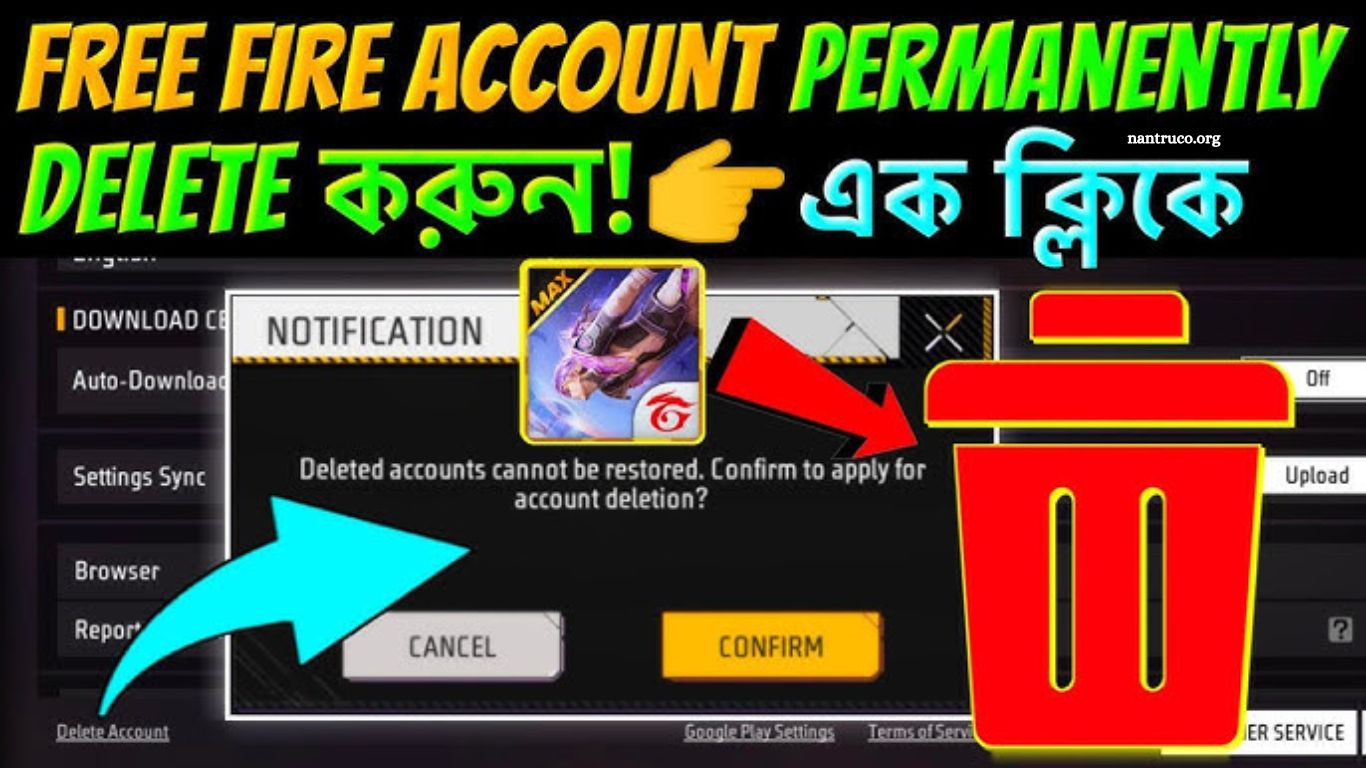
Free Fire has become one of the most engaging mobile games worldwide, offering thrilling gameplay and a large online community. Despite its popularity, some players may want to delete their accounts permanently. Whether it’s for digital detox, privacy reasons, or starting anew, knowing the proper steps ensures your account is fully removed without leaving traces.
Read More: How to Delete a Gmail Account Permanently: Free Fire Linked Accounts
Reasons to Delete Free Fire Account
Several factors motivate players to delete Free Fire accounts:
- Privacy Concerns: Players may want to protect personal information.
- Inactivity: Accounts unused for months may clutter user data.
- Starting Fresh: Gamers may wish to begin with a new account.
- Unwanted Purchases: Some users want to prevent accidental spending on in-game items.
Understanding the reason behind deletion helps ensure the process is smooth and prevents potential regret.
Precautions Before Deleting
Before permanently deleting your Free Fire account, take the following precautions:
- Backup Game Data: Save any important progress or purchased items.
- Unlink Social Media Accounts: Disconnect Google, Facebook, or VK links.
- Check Subscriptions: Cancel ongoing Free Fire subscriptions to avoid billing issues.
- Consider Alternatives: Temporary deactivation or transferring progress may be viable options.
Step-by-Step Guide to Deleting Free Fire Account
Deleting a Free Fire account requires careful attention. Follow these steps:
Step 1: Backup Your Data
- Open Free Fire app.
- Navigate to Settings → Account → Linked Accounts.
- Ensure game data is synced with social media accounts.
- Note down any in-game purchases or achievements you want to save.
Step 2: Remove Linked Accounts
- Go to Settings → Account → Linked Accounts.
- Disconnect Google, Facebook, and VK accounts.
- Confirm disconnection to prevent accidental data retention.
Step 3: Contact Free Fire Customer Support
- Visit the official Free Fire support page.
- Use the Submit Ticket or Email Support option.
- Clearly state your request: “I want to permanently delete my Free Fire account.”
- Provide your username, registered email, and linked social media details.
Step 4: Verify Identity
- Free Fire may request identity verification to prevent unauthorized deletion.
- Follow instructions carefully; typically involves confirming linked email or in-game details.
Step 5: Request Permanent Deletion
- After verification, request permanent account deletion.
- Free Fire usually processes requests within a few business days.
- Avoid logging in during this period to ensure permanent removal.
Alternative Options: Deactivate Instead of Delete
If permanent deletion seems extreme, consider alternatives:
- Temporary Deactivation: Free Fire does not offer direct deactivation, but avoiding login achieves a similar effect.
- Account Reset: Create a new account and unlink the old one.
Common Mistakes to Avoid
- Ignoring backup data, leading to loss of purchases.
- Not unlinking accounts, which may keep personal data active.
- Attempting deletion through unofficial sources, risking account hacking.
Frequently Asked Questions
Can I permanently delete my Free Fire account?
Yes, Free Fire allows permanent account deletion through official customer support. Once deleted, all progress, items, and purchases are permanently lost and cannot be recovered.
How long does Free Fire take to delete an account?
Typically, account deletion takes 3 to 7 business days after submitting the request and completing identity verification. Processing time may vary depending on support response.
Will my friends see my account after deletion?
No, once the account is permanently deleted, your profile will disappear from friends’ lists, in-game leaderboards, and guilds.
Can I recover a deleted Free Fire account?
No. Permanent deletion is irreversible. Any attempt to recover the account will fail. Therefore, ensure you truly want to delete it before proceeding.
Do I need to unlink social media accounts before deletion?
Yes, unlinking accounts like Google, Facebook, VK, or Apple ensures no personal data remains connected to Free Fire after deletion.
Can I delete Free Fire without contacting support?
No. Free Fire requires an official request via customer support to delete accounts permanently. Attempting deletion via unofficial methods may compromise your account security.
Conclusion
Deleting a Free Fire account permanently is a serious decision that requires careful preparation. By following the steps outlined backing up your data, unlinking social media accounts, contacting customer support, verifying your identity, and requesting permanent deletion you can ensure the process is smooth, secure, and complete.
